The sales engineer pastes a customer database schema into ChatGPT to generate a report. The developer asks Copilot to refactor authentication code. The marketing team uploads a competitor’s confidential brief to Claude to draft a response.
None of them are malicious. All of them are breaking the company’s implicit data rules — rules that were never written down.
At Metaluxo we review IT policies for SMEs across the EU. In 2024 and 2025, the single fastest-growing gap we find is not phishing, not patching, but employees feeding company data into public AI tools because there is no clear rule against it.
This post is for the founder or CTO who has been asked — by a customer, an auditor, or their own board — “what is your AI policy?” and who needs to produce something credible by Friday.
What employees are actually doing
Before you write a policy, understand the behaviour you are regulating. In a typical 20-person company we audit, we see:
- Developers using GitHub Copilot, ChatGPT, or Claude for code generation, debugging, and documentation. The risk is not the code itself; it is the context window that may contain proprietary algorithms, API keys, or customer data.
- Sales and support pasting customer emails, ticket transcripts, and contract terms into AI tools to draft responses. The risk is GDPR Article 32 — personal data must be processed with appropriate security, and public AI tools do not meet that standard without a data-processing agreement.
- Marketing uploading documents, slide decks, and competitor materials to generate content. The risk is confidentiality — NDAs, trade secrets, and embargoed information.
- Finance and operations using AI to analyse spreadsheets, forecast models, and vendor quotes. The risk is accuracy — AI hallucinates numbers, and a bad forecast is a bad decision with a veneer of authority.
The policy must cover all four groups, not just the technical team.
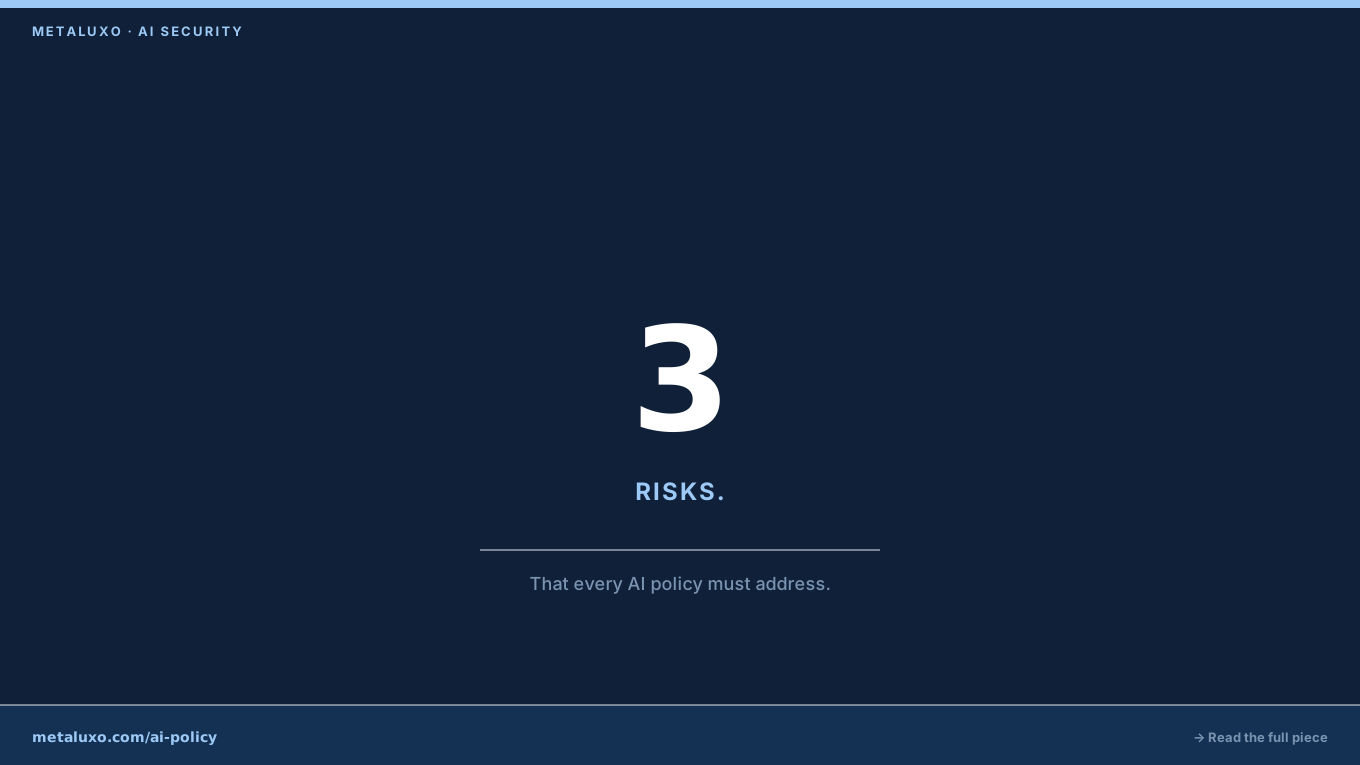
The three risks the policy must address
An AI policy that only says “do not use ChatGPT” fails on two counts: it is unenforceable, and it ignores the legitimate productivity gains these tools offer. A useful policy addresses three risks directly.
1. Data leakage to the model provider
When you paste text into a consumer AI tool, that text becomes part of the provider’s training data unless you are on an enterprise plan with explicit data-protection terms. OpenAI’s ChatGPT Enterprise, Microsoft’s Copilot for Microsoft 365, and Anthropic’s Claude for Work all offer versions where prompts are not used for training. Consumer tiers do not.
The policy must say: which tools are approved, which tier is required, and who approves a new tool.
2. Output you cannot verify
AI generates confident nonsense. A policy that allows AI-generated code without human review is a policy that accepts unreviewed code into production. The same applies to financial models, legal summaries, and customer-facing communications.
The policy must say: AI output is a draft, not a deliverable. A human with relevant expertise reviews and approves every output before it is used.
3. Regulatory and contractual liability
GDPR, HIPAA, PCI-DSS, and most B2B contracts contain clauses about data processing, sub-processors, and confidentiality. Using a public AI tool without a data-processing agreement violates all of them.
The policy must say: no personal data, no health data, no payment data, and no confidential customer data goes into any AI tool without legal review and a signed DPA.
What the policy actually looks like
For a company under 50 people, the policy should fit on one page. Here is the structure we use at Metaluxo:
Section 1: Approved tools
A bullet list of approved AI tools, the required tier (enterprise / business), and the owner who approved them. Example:
- GitHub Copilot Business — approved by CTO, 2025-03-01
- ChatGPT Enterprise — approved by CTO, 2025-03-01
- Anything not on this list — requires CTO approval
Section 2: Prohibited inputs
A clear list of what must never be pasted, uploaded, or typed into any AI tool:
- Customer personal data (names, emails, addresses, phone numbers)
- Patient or health data
- Source code for security-critical systems (authentication, encryption, payment handling)
- API keys, passwords, certificates, or infrastructure configurations
- Unreleased product plans, financial forecasts, or strategic documents
- Any data covered by an NDA or confidentiality agreement
Section 3: Approval workflow
A simple process for edge cases: “If you believe an AI tool would help with work not covered above, send a one-paragraph request to the CTO. The CTO will review the tool’s terms, confirm a DPA is in place, and approve or decline within two working days.”
Section 4: Output review
“All AI-generated output must be reviewed by a person with relevant expertise before it is used in production, sent to a customer, or relied upon for a decision. The reviewer is accountable for the output, not the AI.”
Section 5: Training and acknowledgement
“All employees must read this policy and confirm understanding within 14 days of joining and annually thereafter. Confirmation is kept in the HR file.”
That is it. Five sections, one page, enforceable.
How to enforce it without becoming the villain
The policy is only as good as the enforcement. Here are three practical mechanisms that do not require enterprise software:
Browser policy. Use your endpoint management tool (Microsoft Intune, Google Workspace, Jamf) to block the consumer URLs of unapproved tools on company-managed devices. This is not foolproof — employees can use personal devices — but it raises the friction enough that most people will follow the approved list.
Quarterly spot checks. Ask each team lead to confirm, in writing, that their team is using only approved tools and that no prohibited inputs have been used. This takes five minutes and creates an audit trail.
Incident response clause. Add AI misuse to your incident response playbook. If someone pastes customer data into a consumer AI tool, the response is: contain (revoke the tool access), assess (what data, how much, whose), notify (legal review for GDPR or contractual breach), and document. Knowing there is a process reduces panic and increases reporting.
When to bring in help
A founder with a technical background can write the first draft of this policy in an afternoon. The value of an external partner is in:
- Reviewing the terms of service for the tools you want to approve — many “business” tiers still reserve rights to use your data for training in ways you would not expect
- Mapping the policy to your actual regulatory obligations — GDPR Article 32, NIS2 supply-chain requirements, or sector-specific rules
- Training the team so the policy is understood, not just signed
At Metaluxo we review AI policies as part of our virtual CISO engagements, typically delivering a draft within two weeks. If your board or a major customer is asking for an AI policy and you need something credible quickly, book a free 30-minute consultation and we will scope exactly what you need.
If you are reading this on a Friday afternoon with a Monday deadline, start with the five sections above. A one-page policy that is enforced beats a 20-page policy that is ignored.
Common questions
Can we just block ChatGPT?
Blocking consumer AI tools pushes employees to personal devices and unmonitored accounts. Most companies benefit from allowing approved enterprise tiers with data-protection agreements, rather than driving usage underground.
What data should never go into a public AI tool?
Customer personal data, patient records, source code, security configurations, financial forecasts, unreleased product plans, and anything subject to NDA or regulatory confidentiality.
Do we need a separate AI policy or can we update existing policies?
A one-page AI acceptable-use addendum to your existing IT policy is usually enough for a company under 50 people. A standalone policy becomes useful when you have multiple teams using different tools at different risk levels.