The breach started with an email. It looked like it came from your CEO. It asked for a wire transfer. The finance manager complied. The money was gone in 20 minutes.
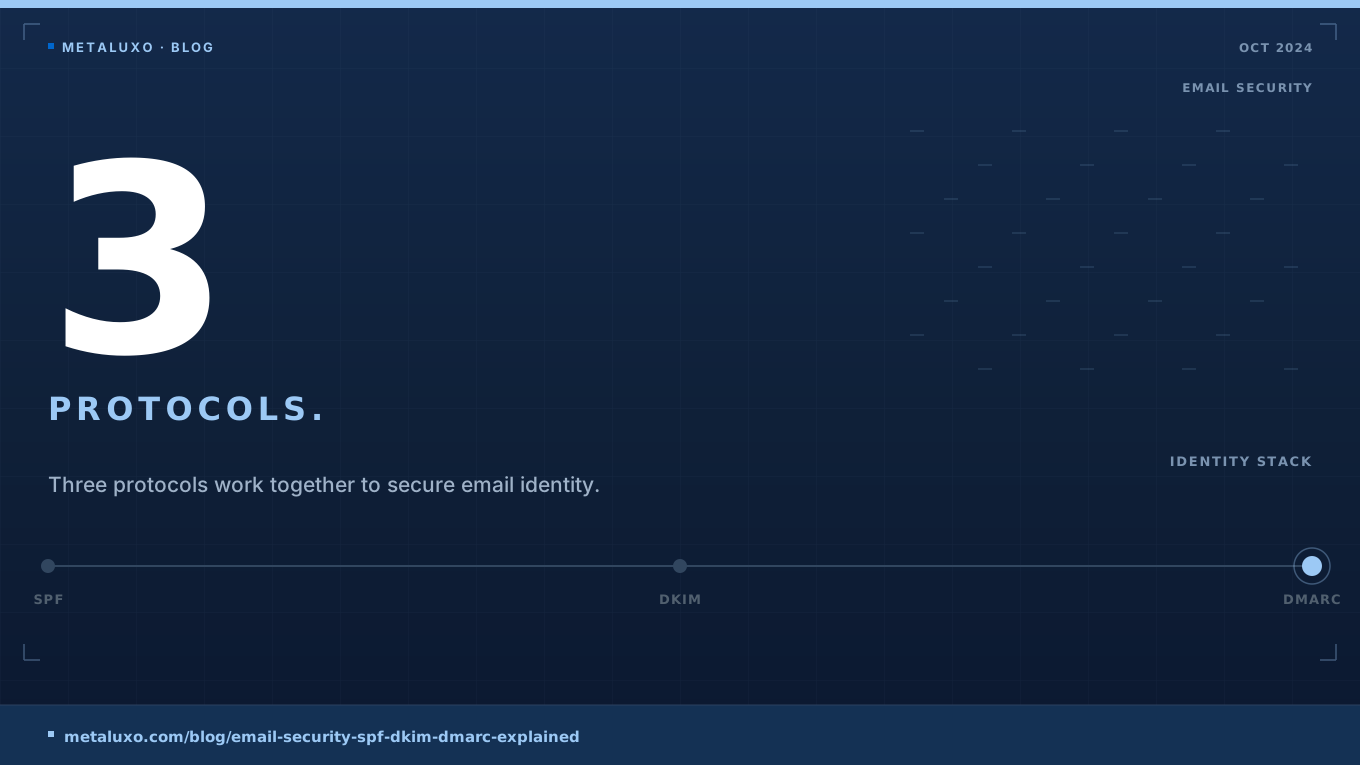
This is business email compromise — the most costly cyber crime category for small businesses. And the defence is not expensive software. It is three DNS records: SPF, DKIM, and DMARC.
At Metaluxo we review email security for SMEs. Most have SPF configured. Few have DMARC. This post explains what each protocol does and how to implement them.
SPF: Sender Policy Framework
SPF lists the mail servers that are allowed to send email on behalf of your domain.
How it works: The receiving server checks the sender’s IP address against the SPF record in your DNS. If the IP is not listed, the email fails SPF.
DNS record example:
v=spf1 include:_spf.google.com include:sendgrid.net -allLimitation: SPF only checks the envelope sender (the “MAIL FROM” address), not the display name that users see. An attacker can pass SPF while spoofing the visible “From” field.
DKIM: DomainKeys Identified Mail
DKIM cryptographically signs outgoing emails. The receiving server verifies the signature using your public key.
How it works: Your mail server adds a digital signature to each outgoing email. The receiving server fetches your public key from DNS and verifies the signature. If the email was altered in transit, the signature fails.
DNS record example:
v=DKIM1; k=rsa; p=MIGfMA0GCSqGSIb3DQEBAQUAA4GNADCBiQKBgQC...Limitation: DKIM verifies integrity but not authorisation. An attacker could sign an email with their own key if they control a subdomain.
DMARC: Domain-based Message Authentication
DMARC ties SPF and DKIM together and tells receivers what to do when authentication fails.
How it works: The receiving server checks SPF and DKIM. If both fail, DMARC tells the receiver to quarantine or reject the email. DMARC also sends you reports about authentication failures.
DNS record example:
v=DMARC1; p=quarantine; rua=mailto:dmarc@yourcompany.com; pct=100Policies:
p=none: Monitor only. No action taken. Use this for 2–4 weeks.p=quarantine: Failed emails go to spam.p=reject: Failed emails are rejected entirely.
Implementation checklist
-
List all services that send email on your behalf. (Google Workspace, Microsoft 365, marketing platforms, support systems, invoicing tools)
-
Configure SPF. Include every legitimate sender. Use
-all(hard fail) rather than~all(soft fail). -
Configure DKIM. Enable it in every mail service you use. Publish the public keys in DNS.
-
Deploy DMARC with p=none. Monitor reports for 2–4 weeks to identify legitimate senders you missed.
-
Graduate to p=quarantine. After confirming no legitimate emails are failing, move to quarantine.
-
Move to p=reject. After a further 2–4 weeks of clean reports, enforce rejection.
At Metaluxo we configure SPF, DKIM, and DMARC for SMEs as part of our security hardening engagements. If you are unsure whether your domain is protected, book a free 30-minute consultation and we will audit your email security configuration.
Common questions
Do we need all three: SPF, DKIM, and DMARC?
Yes. SPF verifies the sending server. DKIM verifies the message integrity. DMARC tells receivers what to do if SPF or DKIM fail. All three are required for robust protection.
Can DMARC stop all phishing emails?
No. DMARC only protects your domain from being spoofed. It does not stop phishing from lookalike domains or compromised legitimate accounts.
How long does DMARC take to implement?
SPF and DKIM can be configured in hours. DMARC should be deployed in monitoring mode (p=none) for 2–4 weeks before enforcement (p=quarantine or p=reject).