No one discovers a breach at 9 a.m. on a Tuesday. They discover it at 11 p.m. on a Friday, when an admin checks their email and finds a ransom note sitting in the inbox of the CEO’s account.
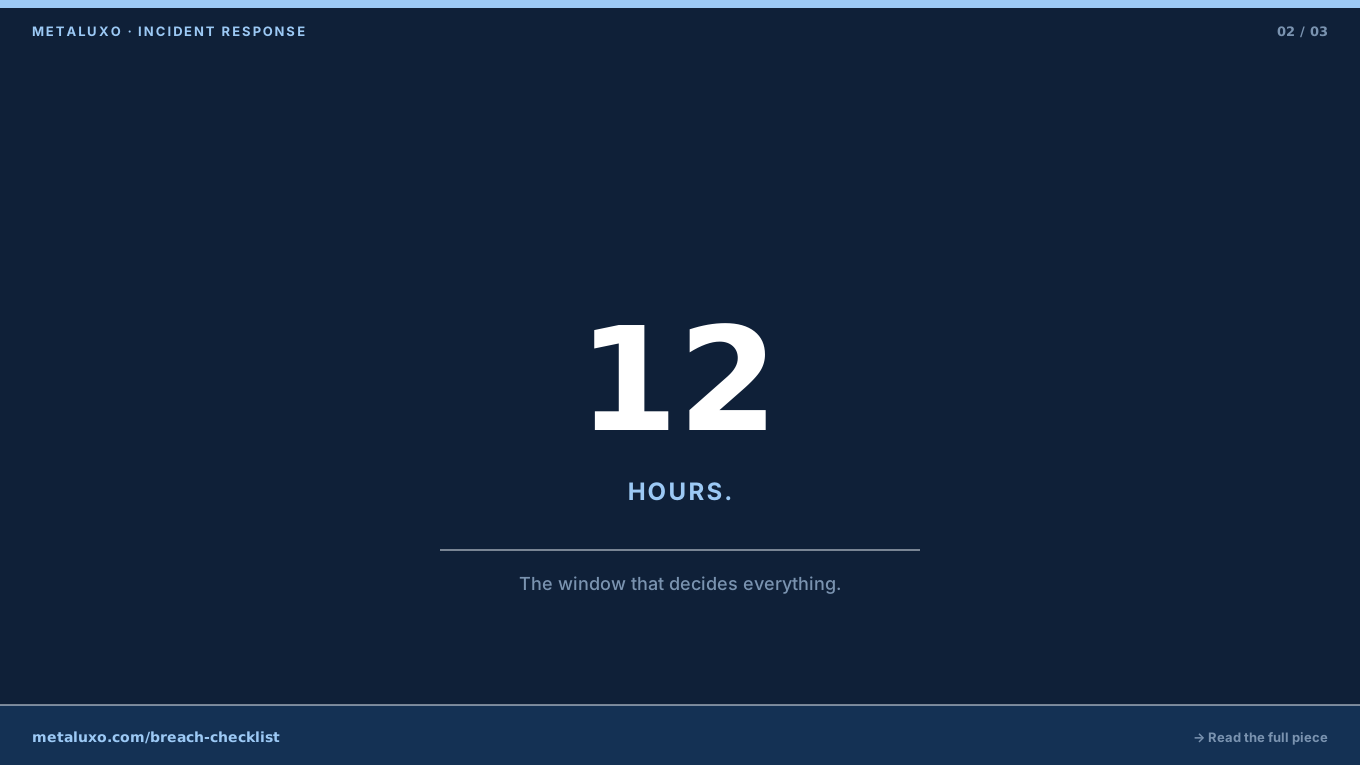
What happens in the next 12 hours determines whether the incident is contained to one server or spreads to every endpoint in the organisation. It also determines whether you preserve the evidence law enforcement and your cyber insurer will need, or whether you wipe it in a panic.
This checklist is the one we use at Metaluxo when a client calls us after a breach. It is designed for companies without a full-time security team — which is most companies under 200 people.
Hour 0: Confirm and convene
Do not assume it is a false alarm.
If you see encrypted files, unauthorised admin access, or a data-exfiltration alert, treat it as real until proven otherwise. The cost of overreacting is a few hours of lost sleep. The cost of underreacting is a headline.
Convene the incident response team.
The team needs four roles, not four people:
- Incident commander — someone with authority to take systems offline, suspend staff access, and authorise spending. Usually the CEO or CTO.
- Technical lead — someone who knows the network topology, backup locations, and how to isolate systems without breaking dependencies. Usually the senior engineer or IT manager.
- Legal and compliance — someone who understands GDPR notification deadlines, cyber-insurance policy terms, and when to involve law enforcement. If you do not have in-house counsel, this is your external solicitor or a response partner.
- Communications — someone who drafts internal updates, customer notifications, and regulatory filings. Not the incident commander. One person cannot make decisions and write about them simultaneously.
If your company is under 20 people, three individuals can cover these four roles. What matters is that each role is named and each person knows they are on the hook.
Hours 1–3: Contain
Isolate affected systems.
The technical lead should:
- Disconnect compromised endpoints from the network — physically unplug the cable or disable the switch port. Do not rely on remote commands if the attacker has admin access.
- Disable remote access (VPN, RDP, SSH) until you know which credentials are clean.
- Preserve logs. Copy firewall, endpoint, and authentication logs to offline storage before they rotate. These are your only record of what happened.
Do not power off compromised servers yet.
Powering off destroys volatile memory that may contain encryption keys, running processes, or network connections. If ransomware is active, isolating the network is usually enough to stop spread. If you must power off, photograph the screen first and document the time.
Reset compromised credentials.
Force a password reset on any account that showed suspicious activity. Start with privileged accounts: domain admin, cloud super-admin, backup admin. Then work downward. Do not reuse passwords across accounts — if one was compromised, assume the attacker has tried it everywhere.
Hours 4–6: Preserve evidence and assess scope
Create a forensic copy.
Before you start cleaning, create a bit-for-bit image of affected systems. This is not optional if you intend to file an insurance claim, pursue legal action, or report to a regulator. A forensic copy preserves the state of the system at the time of discovery.
If you do not have internal forensic capability, engage an external incident response firm now. Most can have an analyst on site or connected remotely within four to six hours. The cost of delaying is that logs rotate, backups overwrite, and evidence degrades.
Assess the scope.
Answer three questions:
- Which systems are affected? — List every server, endpoint, and cloud resource that shows signs of compromise.
- Which data was accessed? — Review logs for file access, database queries, and outbound data transfers. If you cannot determine this, assume the worst for notification purposes.
- How did they get in? — Phishing email? Unpatched vulnerability? Stolen credentials? You do not need the full forensic answer yet. You need a working theory to plug the hole.
Hours 7–9: Notify and engage
Notify your cyber insurer.
Most policies require notification within 24 hours of discovery. Call the hotline, not your broker. The insurer will assign a case manager and may approve emergency spending on forensics, legal counsel, or credit monitoring.
Contact law enforcement.
In the UK, report to Action Fraud or the National Cyber Security Centre. In Poland, report to the national police cybercrime unit or the relevant supervisory authority. Law enforcement cannot recover your data, but they can preserve evidence, issue takedown notices, and in some cases trace cryptocurrency payments.
Engage legal counsel.
Your solicitor needs to assess:
- GDPR notification deadlines (72 hours to the ICO or UODO for personal data breaches)
- Customer contract obligations (many B2B contracts require breach notification within 24 hours)
- Regulatory reporting requirements (sector-specific bodies may have their own deadlines)
- Whether to pay the ransom, and the legal risks of doing so
Do not make these decisions without counsel. The wrong notification at the wrong time can turn a technical incident into a contractual or regulatory one.
Hours 10–12: Communicate and plan recovery
Draft internal communications.
Staff need to know what happened, what they should do, and what they should not do. Be specific:
- Do not log in to the compromised system.
- Do not discuss the incident on social media.
- Do report any suspicious emails or account activity to the technical lead.
Draft customer notifications (if required).
If customer data was accessed, you may need to notify affected customers. The notification should say: what happened, what data was involved, what you are doing, and what they should do. Do not send it without legal review.
Plan recovery.
Recovery is not the same as restoration. Restoration means putting systems back online. Recovery means putting them back online without reintroducing the attacker.
Your recovery plan should include:
- Rebuild from clean backups — not from snapshots that may be compromised. Verify backup integrity before you restore.
- Patch the entry point — close the vulnerability, revoke the stolen credential, or block the phishing domain before you reconnect.
- Re-image, do not disinfect — for critical systems, wipe and rebuild rather than trying to remove malware. You cannot prove a negative.
- Validate before reconnecting — scan rebuilt systems for malware, verify configurations, and test that the entry point is actually closed.
What not to do in the first 12 hours
- Do not pay the ransom immediately. Payment does not guarantee decryption, may fund criminal activity, and can violate sanctions. The decision belongs with legal counsel, not the incident commander under pressure.
- Do not delete logs to “clean up.” Logs are evidence. Deleting them can void your insurance, expose you to regulatory penalties, and eliminate your only chance of understanding how the breach happened.
- Do not announce publicly without legal review. A premature statement on social media or to customers can become evidence in litigation or a regulatory investigation.
- Do not assume it is over because the ransom note disappeared. Some ransomware deletes itself after encryption. The absence of symptoms does not mean the absence of the attacker.
When to call for help
If any of the following are true, engage an external incident response firm within the first hour:
- You do not have a technical lead who understands the network topology.
- The breach involves ransomware on more than five endpoints.
- The breach involves personal data and you are subject to GDPR.
- You have a cyber-insurance policy that covers response costs.
- You do not have clean, tested backups.
At Metaluxo we provide emergency incident response for SMEs across the EU, with a 12-hour engagement commitment. If you are reading this during an active incident, contact us now — we prioritise active breaches over everything else.
If you are reading this before an incident, print this checklist, name your four roles, and test your backups this week. The cheapest response is the one you prepared for.
Common questions
Who should be on the incident response team?
At minimum: a decision-maker with authority to take systems offline, someone who knows the network topology, a legal contact, and an external response partner if internal expertise is limited.
Should we pay the ransom?
Law enforcement advises against it — payment does not guarantee recovery and may violate sanctions. The decision should be made with legal counsel, not under pressure.
How long does incident response typically take?
Containment can take hours to days. Full recovery ranges from 48 hours for isolated incidents to several weeks for widespread ransomware with data exfiltration.