The Short Version
“Zero Trust” is the most overused phrase in cybersecurity. Vendors sell it as a $500,000 platform upgrade. The reality is simpler: zero trust is a mindset — never trust, always verify. You don’t need to replace your entire security stack to implement it. You need to start with three questions: who is accessing what, from where, and why.
For EU SMBs under 200 employees, the practical path to zero trust starts with your most exposed systems and scales incrementally. This guide walks through a phased approach that aligns with both security priorities and budget constraints.
What “Zero Trust” Actually Means
The original definition — from Forrester, not a vendor pitch deck — is straightforward:
“Never trust, always verify. Authenticate and authorize every transaction.”
That’s it. No new technology required. No platform upgrade. Just a different assumption: your network perimeter is already breached, so every access request must be independently verified.
For most SMBs, this means shifting from “trusted network” to “trusted identity.” Instead of relying on firewall rules to keep intruders out, you assume they’re already inside and focus on who they can access.
Phase 1: Identity Foundation (Weeks 1-2)
Start here, always. If you can’t verify identity, no other control matters.
1. Implement MFA Everywhere
Turn on multi-factor authentication for every cloud account, every admin account, every VPN. SMS is better than nothing, but use an authenticator app or hardware key where possible.
Cost: Usually included in your cloud subscription.
2. Implement Just Enough Access
Review every employee’s access rights. Remove access that isn’t actively needed:
- Former employee accounts (deactivate immediately)
- Shared accounts (eliminate or restrict)
- Administrative privileges (remove from non-admin users)
Tool: Most cloud platforms offer access review reports. Run them quarterly.
3. Deploy a Central Identity Provider
If you’re not already using one, set up Azure AD, Google Identity, or Okta. This gives you:
- Single sign-on (eliminates password reuse)
- Centralized access logging
- Automatic deprovisioning when someone leaves
Cost: Usually included in your cloud subscription.
Phase 2: Device and Network Visibility (Weeks 3-4)
With identity secured, move to device and network controls.
4. Inventory All Network Assets
Create a spreadsheet of:
- Servers (cloud and on-premise)
- Workstations and laptops
- Network devices (routers, switches, IoT)
- Mobile devices (phones, tablets)
Tool: Lansweeper (free tier), Nmap, or built-in cloud inventory tools.
5. Segment Your Network
The single most effective network security control: separate your critical systems from general access.
At minimum:
- Isolate finance systems (accounting, payroll) from general office access
- Separate customer data servers from development environments
- Put guest WiFi on a separate VLAN
Cost: Most business-grade routers support VLAN segmentation for free.
6. Monitor Network Traffic
Deploy a network detection tool that alerts on unusual patterns:
- Data exfiltration to unknown external IPs
- Unusual authentication attempts
- Lateral movement between segments
Tools: CrowdStrike Falcon (offers free trial), Wazuh (open source), or your existing EDR’s network module.
Phase 3: Application-Level Trust (Weeks 5-6)
Now secure what runs on top of your infrastructure.
7. Verify Every API Call
Don’t trust internal API calls just because they come from “inside the network”:
- Re-authentication on every API call
- Implement rate limiting
- Log all API access
8. Data Classification
Label your data:
- Public — marketing materials, public website
- Internal — internal documents, policies
- Confidential — customer data, financial records
- Restricted — PII, payment data, encryption keys
Apply access controls based on classification level.
9. Least-Privilege Principle
Review every application’s permissions:
- Database accounts should only have access to required tables
- Service accounts should have minimal permissions
- Third-party integrations should only access what they need
Phase 4: Continuous Validation (Ongoing)
Zero trust isn’t a one-time project. It’s an ongoing practice.
10. Regular Access Reviews
Every quarter:
- Review who has access to what
- Remove stale or unnecessary access
- Document the review for compliance
11. Incident Response Testing
Every six months:
- Simulate a breach scenario
- Test your detection and response
- Update procedures based on findings
12. Threat Intelligence Integration
Subscribe to:
- Your industry’s ISAC (Information Sharing and Analysis Center)
- National cybersecurity advisories (ENISA, CERT-EU)
- Relevant CVE feeds for your software stack
EU Compliance Alignment
| NIS2 Requirement | How Zero Trust Addresses It |
|---|---|
| Access control | Phases 1-2 implement identity-based access |
| Network segmentation | Phase 2 implements network isolation |
| Incident detection | Phase 4 implements continuous monitoring |
| Vulnerability management | All phases include regular review processes |
| GDPR Article 32 | How Zero Trust Addresses It |
|---|---|
| Pseudonymization | Phase 3 implements data classification |
| Encryption | Data in transit and at rest requirements |
| Confidentiality | Network segmentation and access controls |
| Resilience | Multiple phases of continuous validation |
| DORA Requirements | How Zero Trust Addresses It |
|---|---|
| ICT risk management | Continuous monitoring in Phase 4 |
| Incident reporting | Detection capabilities in Phases 2-4 |
| Third-party risk | Access review and vendor controls throughout |
What I Tell My vCISO Clients
“Zero trust is not a project. It’s a series of small decisions you make every day.”
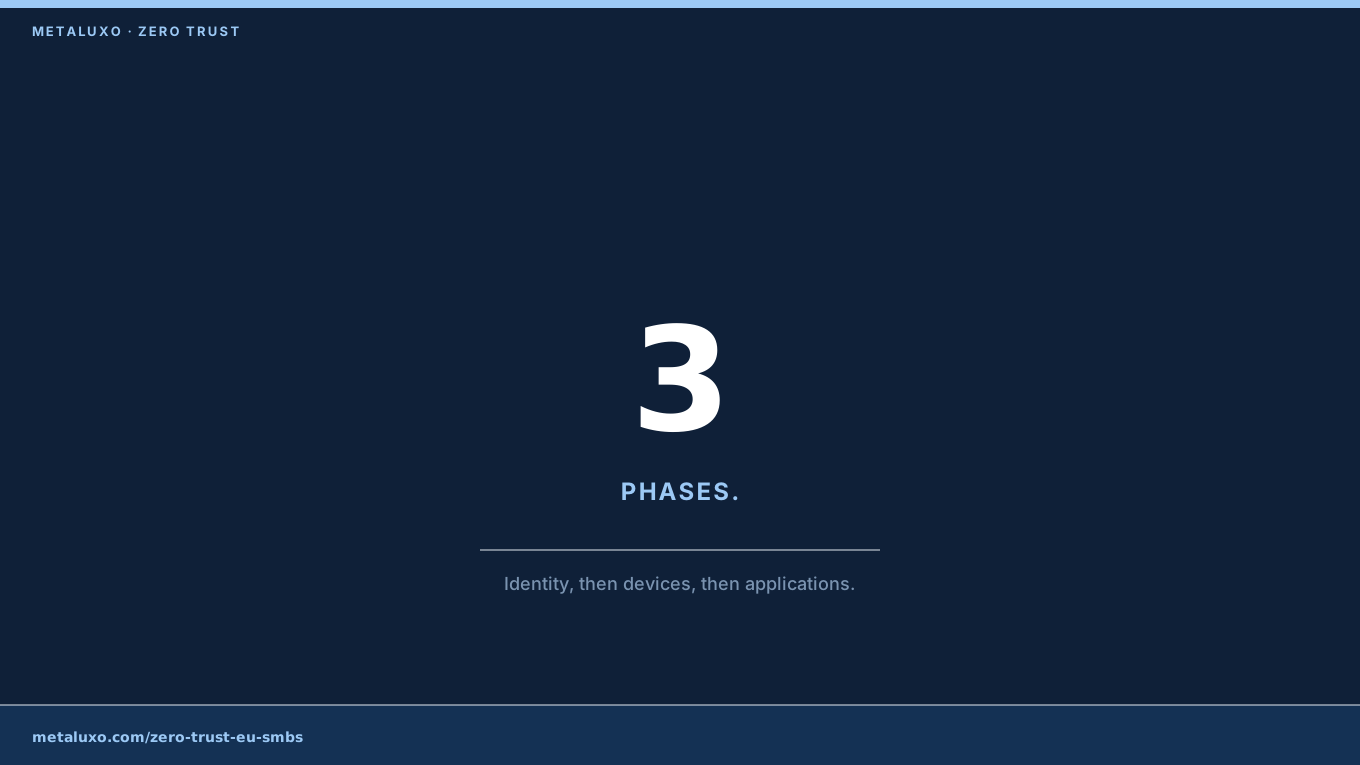
I’ve seen too many SMBs waste budget on expensive Zero Trust platforms before implementing basic security hygiene. Start with identity, then devices, then applications. Each phase should take weeks, not months. The goal is not perfection — it’s continuous improvement.
My recommended starting point for any client:
- Audit your current state. Where are your data? Who has access? (1-2 days)
- Pick one system to secure end-to-end. Customer database, financial system, or email. (1-2 weeks)
- Expand gradually. Add one control per month. (6-12 months to full coverage)
Bottom Line
Zero trust for SMBs isn’t about buying a platform. It’s about implementing basic security controls in the right order: identity first, then devices, then applications. You can start this week with MFA and an access review. You don’t need a budget — you need a plan.
If you’re an EU SMB and you’re not sure where to start, book a review. We’ll audit your current security posture and create a phased roadmap that fits your budget and compliance requirements.
Common questions
What is Zero Trust for an SMB?
A mindset of 'never trust, always verify' — shifting from trusted network to trusted identity, starting with MFA and access reviews.
How long does implementation take?
Phase 1 (identity) takes 1-2 weeks. Full coverage takes 6-12 months by adding one control per month.
What's the first step?
Audit your current state — where your data is and who has access — then pick one system to secure end-to-end.