The Short Version
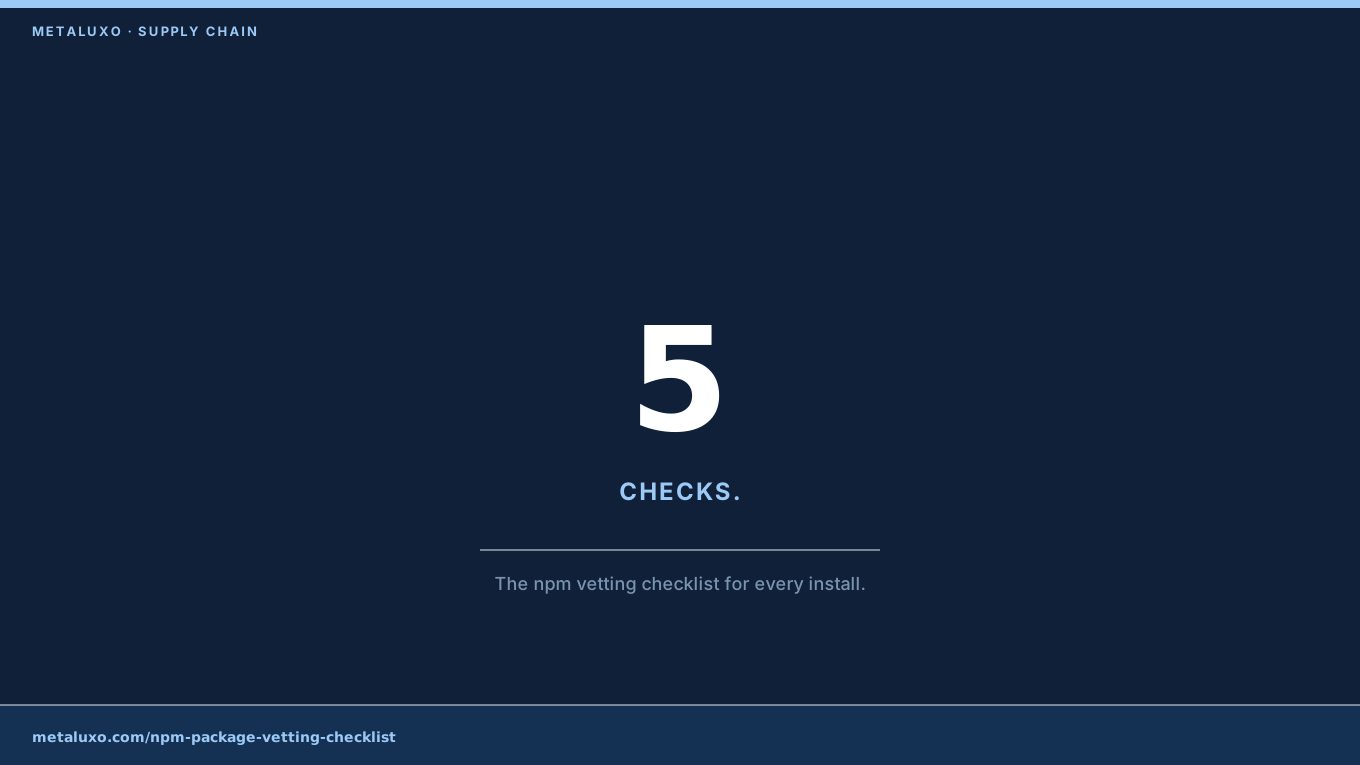
Developers pick packages by function and download count. Attackers game both — typosquats, hijacked abandoned packages, and outright malicious utilities like the MALFEX imgdecode package all look legitimate on the registry page. This checklist takes five minutes and catches most of them.
Question 1: Who Maintains It?
Open the maintainer’s GitHub profile. Look for real history: commits across months, other maintained projects, responses to issues. A maintainer account created last month with one package is a red flag. A package that changed hands recently — new publisher, dormant repo suddenly active — deserves a second look. npm now surfaces maintainer and 2FA status; require both.
Question 2: Does Anyone Answer Issues?
An open issue tracker with maintainer responses inside days is a healthy project. Hundreds of stale issues with no response for a year means the package is abandoned — and abandoned packages get hijacked. Attackers specifically target popular-but-unmaintained packages because the download counts provide cover.
Question 3: How Deep Is the Tree?
Run npm view <pkg> dependencies and count. A tiny utility pulling in hundreds of transitive dependencies multiplies your attack surface — each one is a package you did not choose. Prefer small, focused packages. Pin exact versions in your lockfile and review lockfile diffs in pull requests the way you review code.
Question 4: What Does the Version History Say?
A sudden major-version jump after years of stability, or a patch release that adds network code to a string utility, is suspicious. Skim the changelog. Check whether the tarball contents match the public repo — discrepancies between the two are exactly how the MALFEX campaign hid its native addon.
Question 5: Does It Run Code on Install?
postinstall scripts execute on your machine the moment you install. Inspect them first: npm pack the package, unpack it, and read any install scripts before adding it to a project. Any script that downloads remote executables or opens network connections at install time is a hard no unless you fully understand why.
How Do I Automate This?
npm auditin CI. Runs on every pull request, blocks known-vulnerable packages. Free, five minutes to wire up.- Lockfile review. Treat
package-lock.jsondiffs as code review — a new dependency appearing is a decision, not an accident. - Behavior scanners. Tools like Socket analyse package behavior (network, filesystem, install scripts) and flag anomalies before they reach you.
Bottom Line
Convenience is the vulnerability. Five minutes of vetting per package, enforced by CI, turns your dependency tree from an attack surface into a controlled perimeter. If your team installs packages without any review process, book a review — we will set up the checklist and the automation in one session.
Common questions
How do I vet an npm package quickly?
Check maintainer GitHub activity, open-issue response time, dependency depth, version history for ownership changes, and whether it runs install scripts.
What are red flags in package metadata?
A new maintainer with no history, a sudden version-number jump, empty or brand-new repository, thousands of dependencies, and postinstall scripts that fetch remote code.
Should I automate package vetting?
Yes. Run npm audit in CI on every pull request, and consider behavior-based scanners like Socket that flag anomalous package behavior before install.